You can reschedule a lesson at any time before it starts. Give your student as much notice as possible. To cancel instead, see How do I cancel a booking?
How to reschedule on the web
- Log in and go to your Lessons tab.

- Click Lesson details next to the lesson.
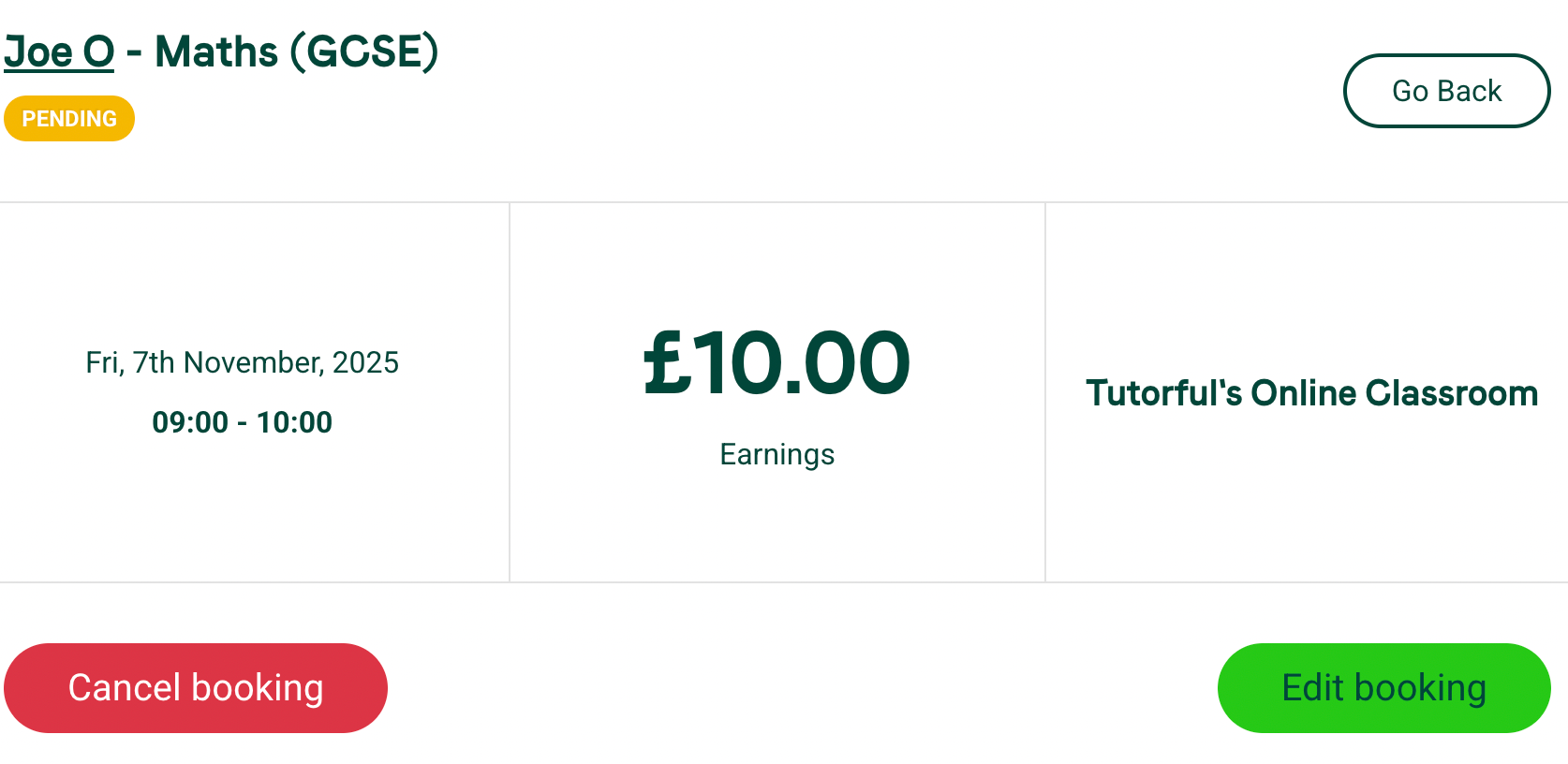
- Click Edit booking.
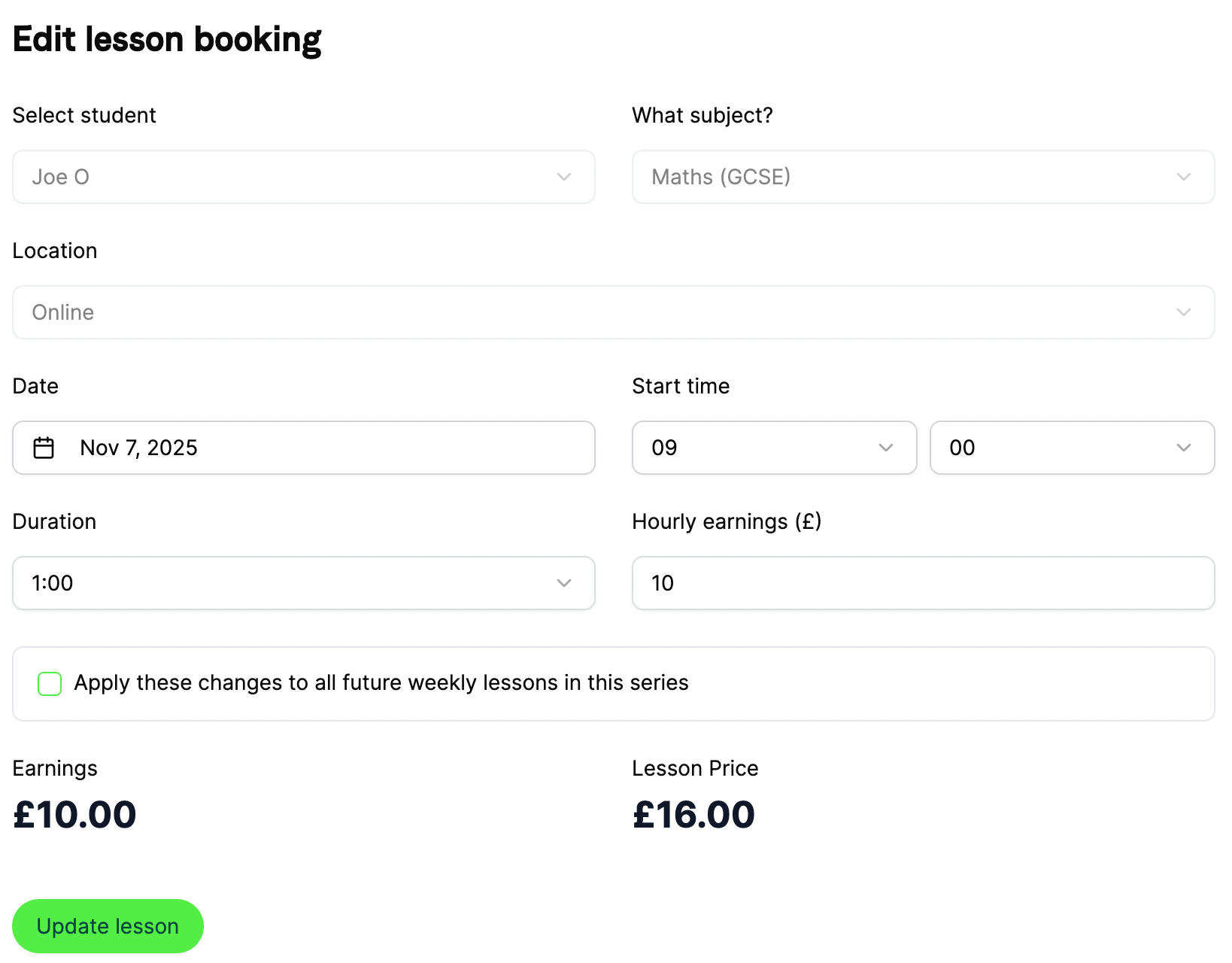
- Reschedule on the amendment form. To apply the change to all future weekly bookings in the series, tick the box for this.
- Select Update lesson.
You can also amend bookings directly from the calendar. See the Availability Calendar article for more.
Was this article helpful?
That’s Great!
Thank you for your feedback
Sorry! We couldn't be helpful
Thank you for your feedback
Feedback sent
We appreciate your effort and will try to fix the article