If you receive a message that isn’t genuine, feels inappropriate, or just leaves you unsure, use the Report a Student function so we can review it. We monitor certain words and phrases to stop inappropriate requests reaching you, but rarely something slips through, so this is here just in case.
How to report on the web
- Open your message thread with the student.
- Click the i button at the top of your messages.
- Select Report student and confirm.
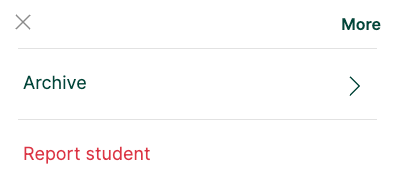
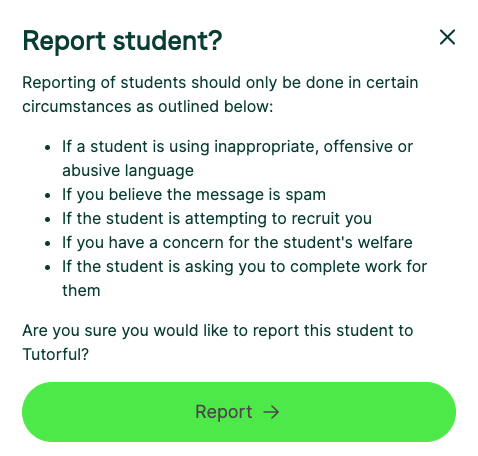
This alerts our team to review your thread. We’ll take appropriate action or ask for more information.
How to report on the app
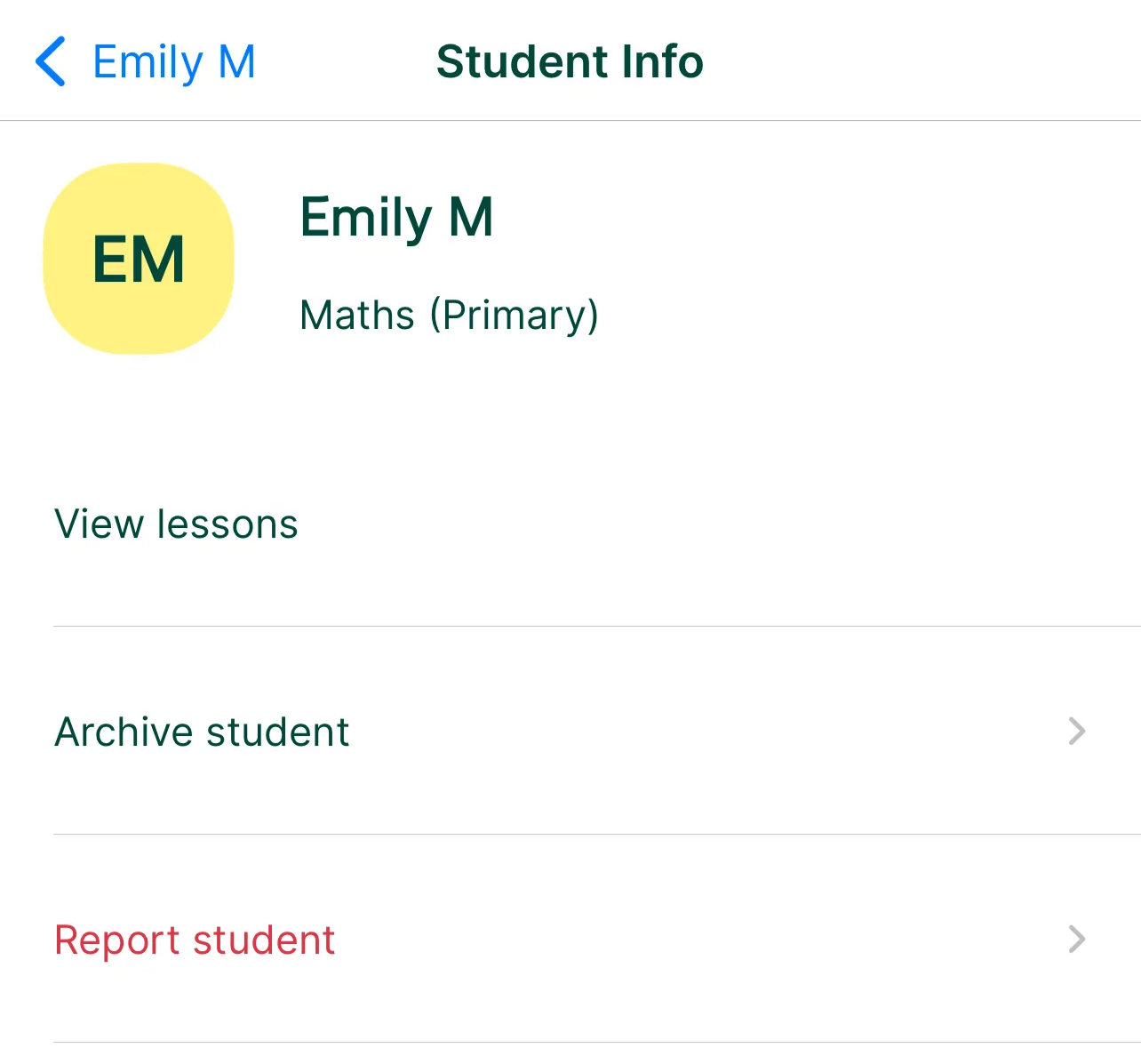
Open the message thread, click the picture icon in the top right, select Report student, and confirm.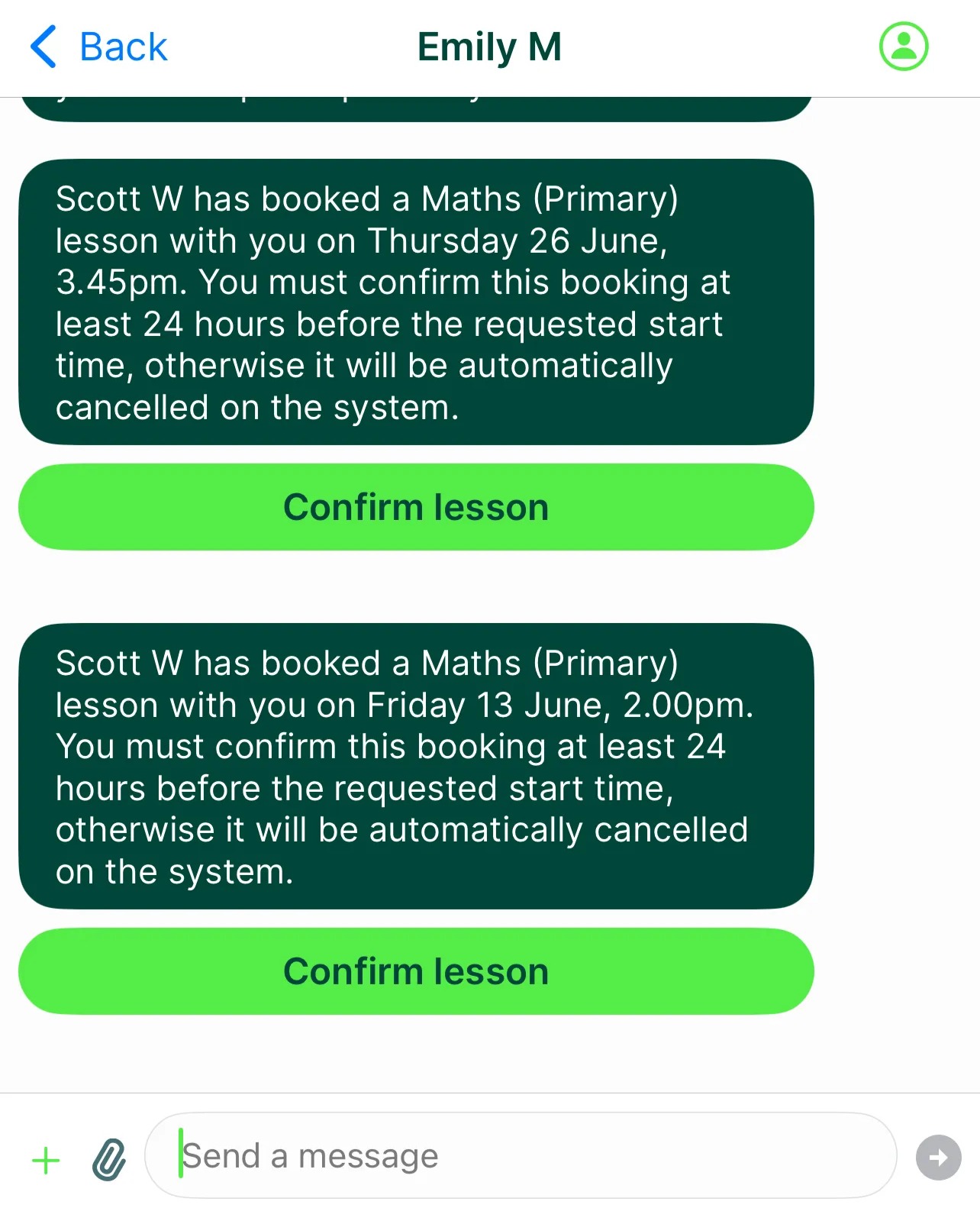
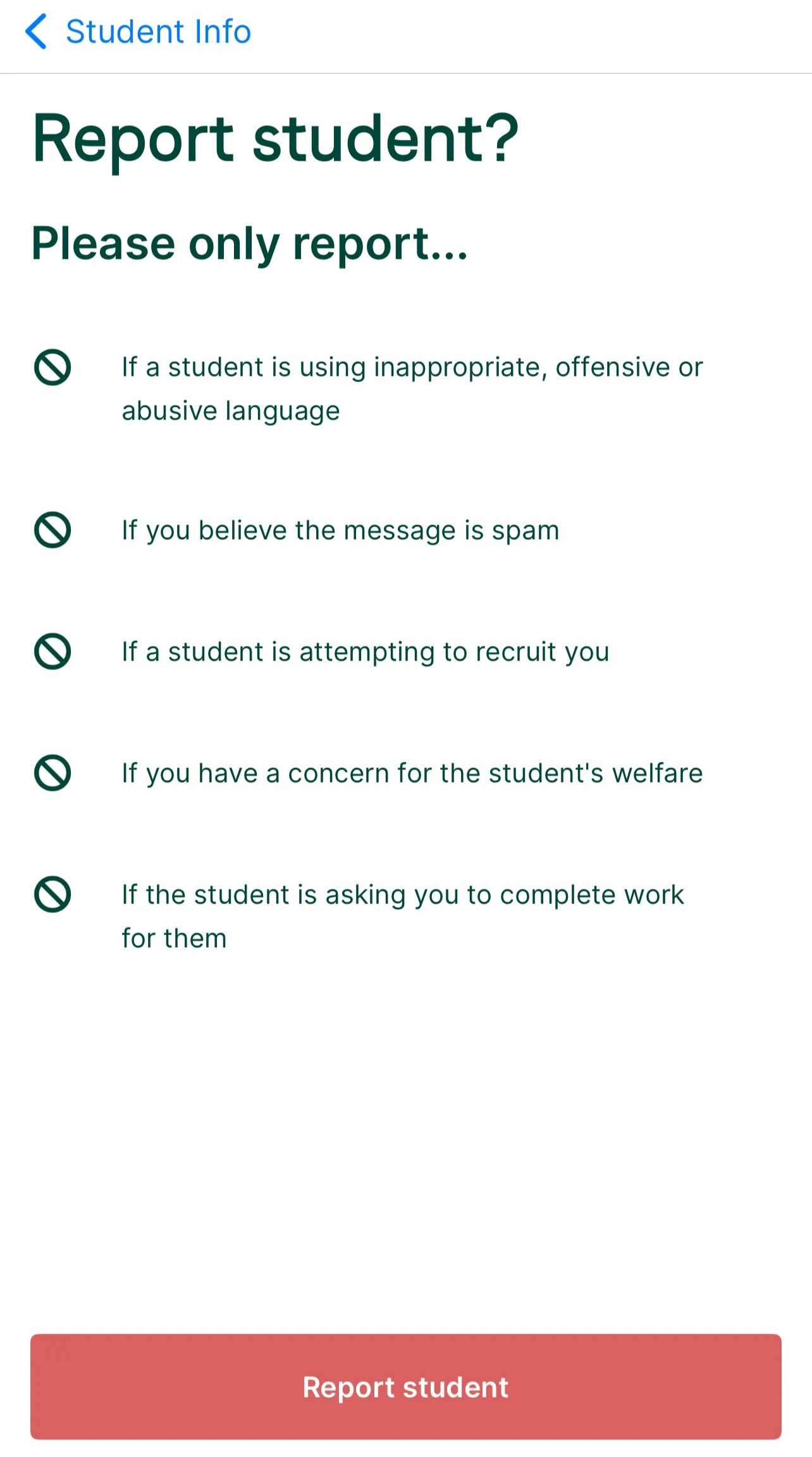
When to report a student
Report only in these circumstances:
- The student uses inappropriate, offensive, or abusive language.
- The message is spam.
- The student is trying to recruit you.
- You have a concern for the student’s welfare.
- The student asks you to complete work for them.
Please don’t use Report unnecessarily, for example when a student doesn’t attend a lesson. For that, contact our Engagement Team at support@tutorful.co.uk.
What to do next
For more on staying safe, see How do I stay safe?
Was this article helpful?
That’s Great!
Thank you for your feedback
Sorry! We couldn't be helpful
Thank you for your feedback
Feedback sent
We appreciate your effort and will try to fix the article