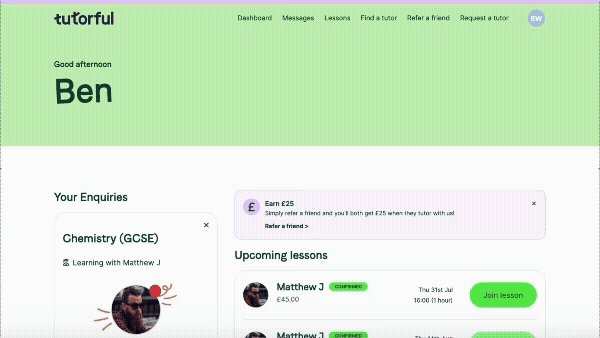
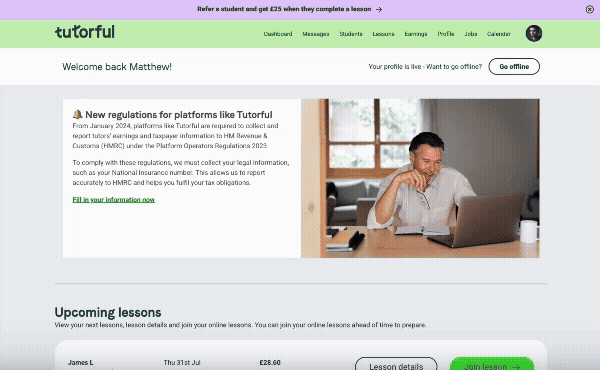
When you have an upcoming online lesson, all you need to do is log into your Tutorful account, and you'll be able to join your upcoming lesson from your dashboard!
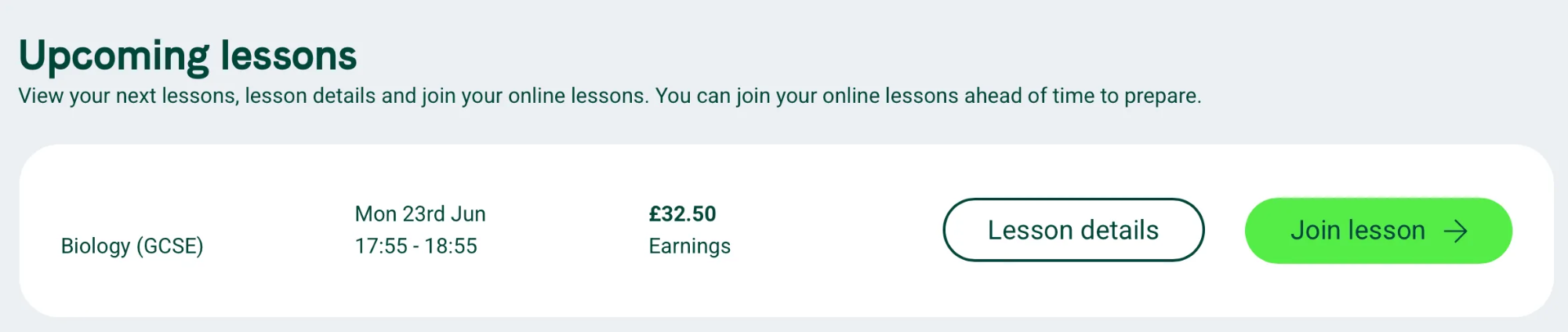
You'll see a bright green banner across the top of the screen around an hour before this is due to start, which will take you down to the upcoming lessons part of the dashboard - you can then just click ‘join lesson’ next to the lesson in question.
Students:
Tutors:
You can also join your lessons by heading to your lessons tab of your account, and you'll see a similar button next to each of your upcoming lessons - just click this to join your session!
Was this article helpful?
That’s Great!
Thank you for your feedback
Sorry! We couldn't be helpful
Thank you for your feedback
Feedback sent
We appreciate your effort and will try to fix the article