If you’re just taking a break, the best option is to set your profile offline rather than close your account. No new students can contact you, but your profile stays ready for when you return. See “What does going offline mean?”
How to close your account
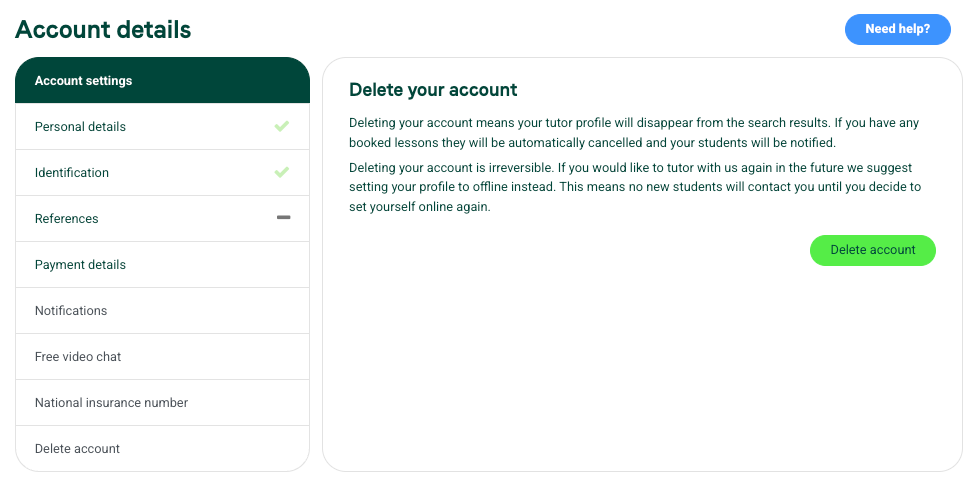
If you’d like to close your account in line with our Privacy Policy:
- Hover over your picture in the top right and select My Account.
- Select Delete account on the left.
- Follow the option to delete your account.
Before you close
- Deleting your account cancels any upcoming lessons.
- We need to make sure all payments have been made to you first.
For our Privacy Policy, see tutorful.co.uk/privacy-policy.
Was this article helpful?
That’s Great!
Thank you for your feedback
Sorry! We couldn't be helpful
Thank you for your feedback
Feedback sent
We appreciate your effort and will try to fix the article