If you’ve forgotten your password, you can reset it on the web or the app.
How to reset on the web
- Select Login at the top right of the homepage, then Forgotten password?. Or go to tutorful.co.uk/lost-password.
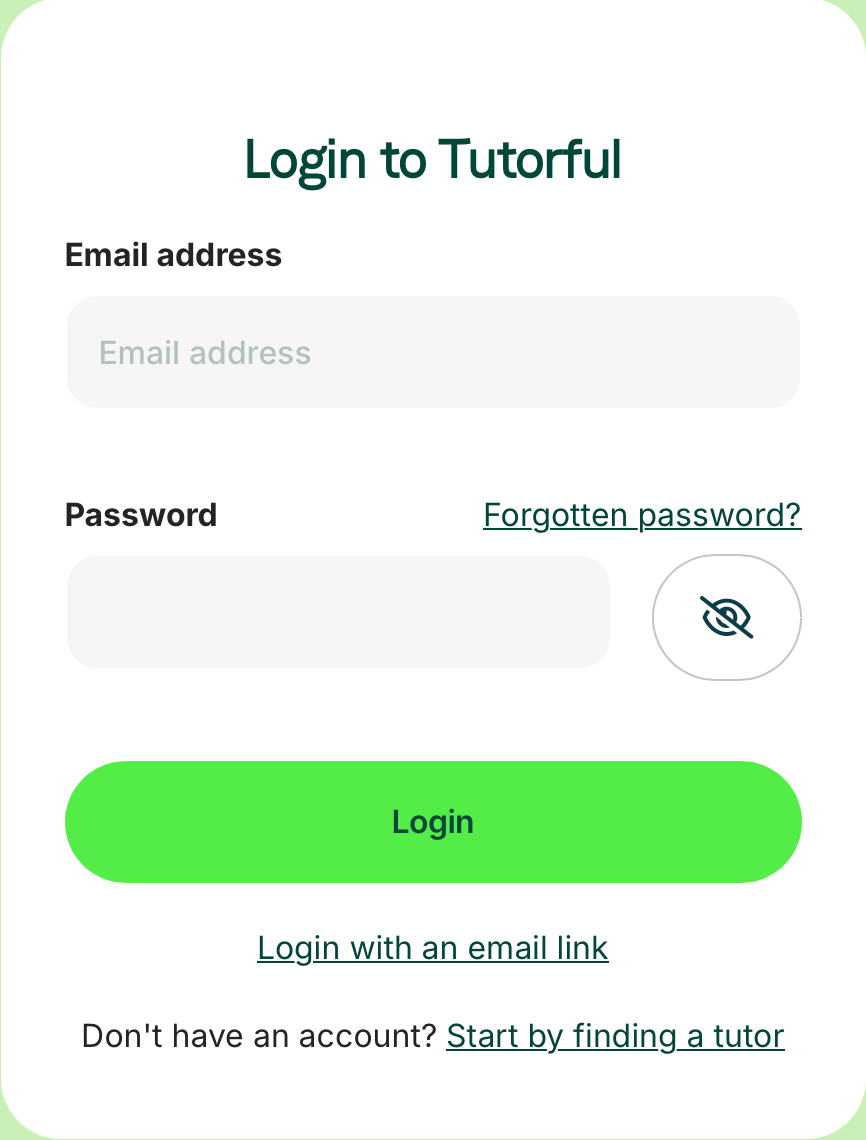
- Enter your email address.
- We’ll send a reset link. Check your spam folder if it doesn’t arrive within a few minutes.
How to reset on the app
- On the login page, tap Forgotten your password?
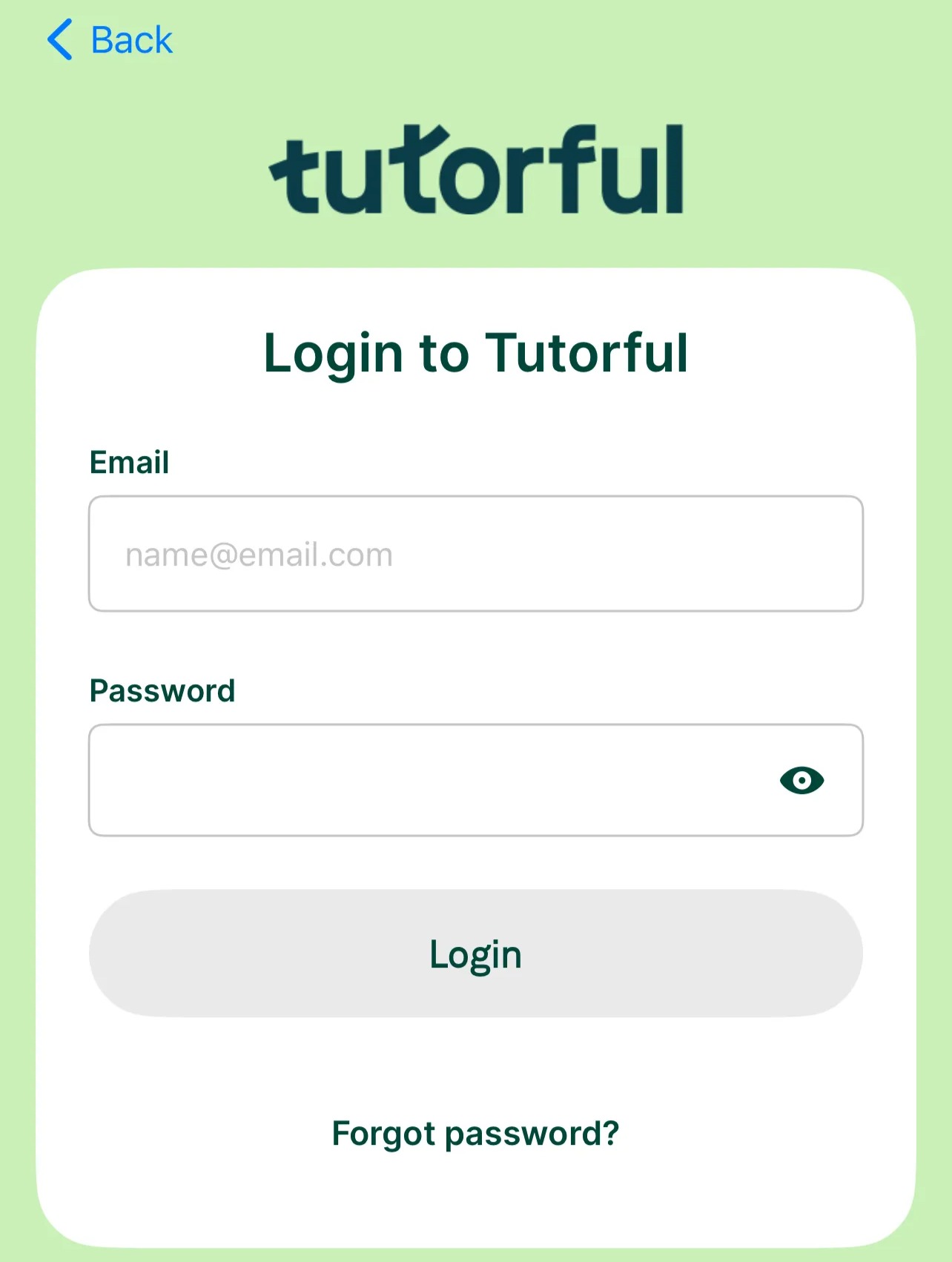
- Enter your email to get the reset link.
What to do next
If you’re still stuck, email our Engagement Team via the Contact Us page.
Was this article helpful?
That’s Great!
Thank you for your feedback
Sorry! We couldn't be helpful
Thank you for your feedback
Feedback sent
We appreciate your effort and will try to fix the article