You can see your performance in the Tutorful app. Please see this article on how to get the Tutorful app.
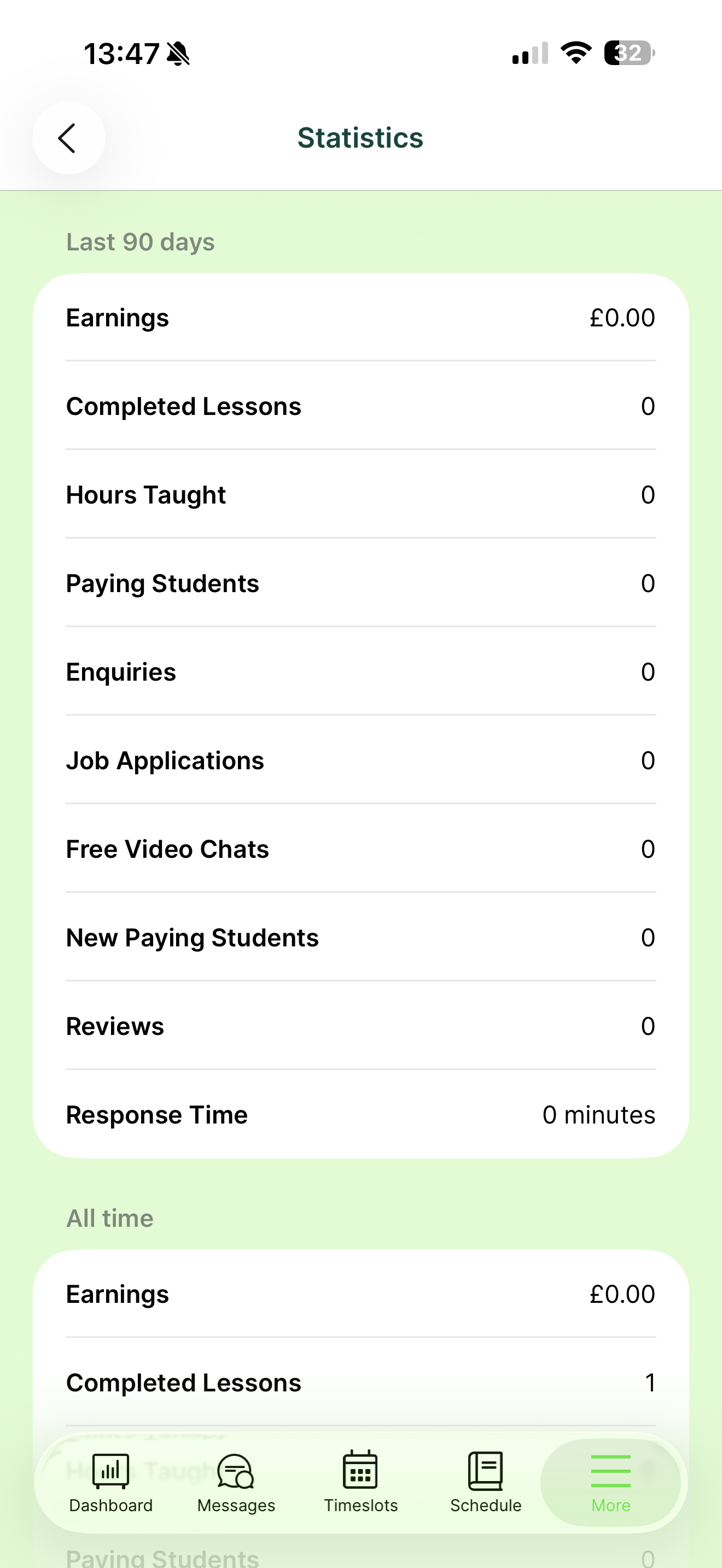
How to view your statistics
- Log into the app.
- Go to the More section in the bottom right corner.
- Select Statistics.
You’ll see statistics for the last 90 days and for your entire time with Tutorful.
Your search result position
If your profile is live, you’ll also see your position in the search results for your top 10 taught subjects.
When you first go live, it can take up to 24 hours for the search algorithm to refresh, so your position may not appear immediately. Within a day, you’ll start to see where you rank for the subjects you’ve taught most.
Was this article helpful?
That’s Great!
Thank you for your feedback
Sorry! We couldn't be helpful
Thank you for your feedback
Feedback sent
We appreciate your effort and will try to fix the article