Students can sort and filter the search results to find a tutor. Both features factor in tutor ranking, so your position in the results still matters even when a student sorts or filters.
How sorting works
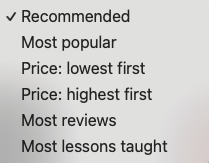
On the search results page, a student uses the drop-down under the search bar to choose a sorting option. The results reorder to show the top matches for that option. Tutor ranking is built in, so if a student sorts by lowest price, they see the lowest-price tutors who also have the highest ranking.
How filtering works
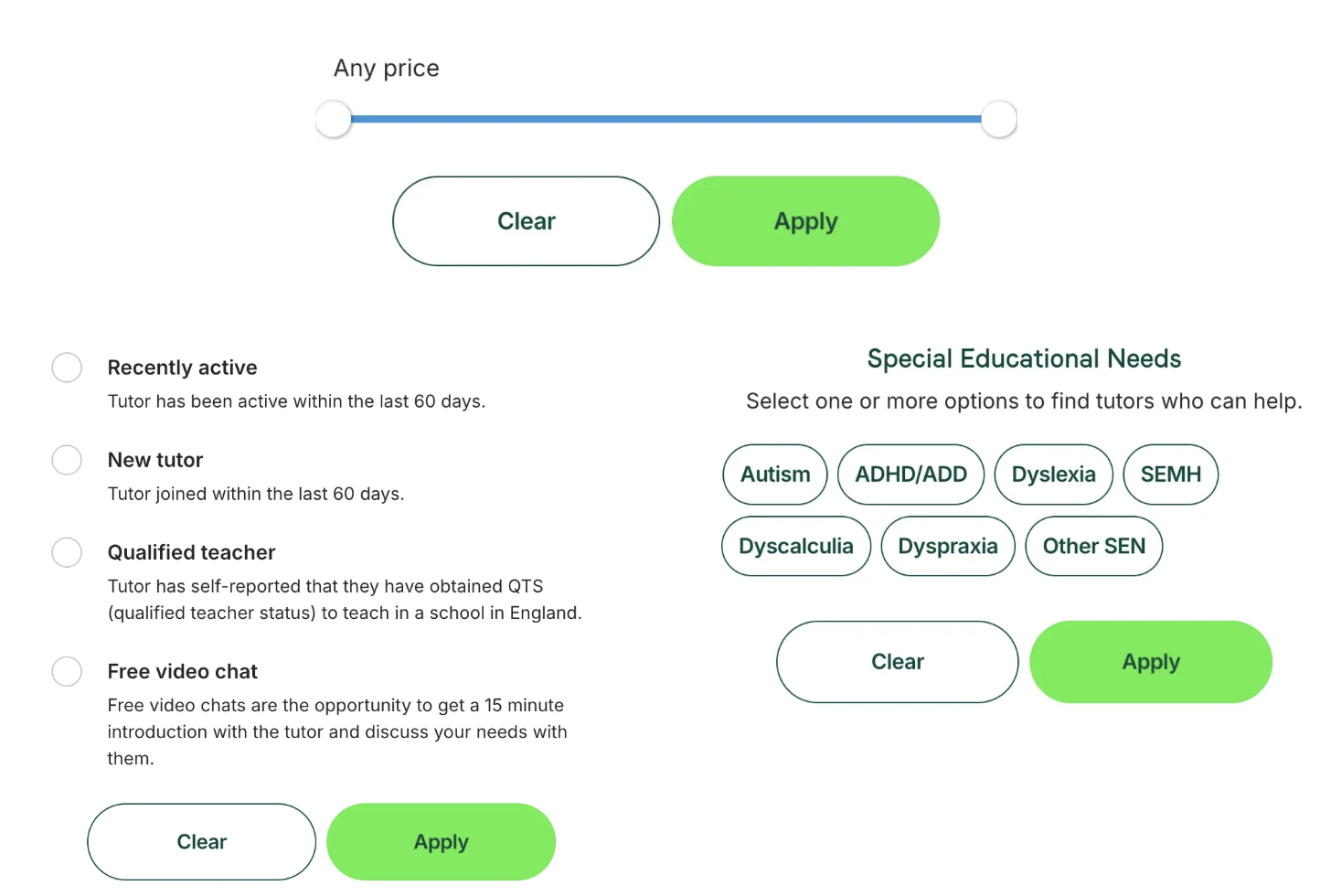
A student clicks the filter options below the search bar. The page reorders and filters out tutors who don’t match. Tutor ranking is again factored into the order.
What to do next
If you think we’re missing a filter or sorting option, let us know. You can contact us via support@tutorful.co.uk
Was this article helpful?
That’s Great!
Thank you for your feedback
Sorry! We couldn't be helpful
Thank you for your feedback
Feedback sent
We appreciate your effort and will try to fix the article