You can change your card details on the web or the app. We only store one card at a time, so new details replace the old.
How to change on the web
- Select the circle in the top right and choose My Account.
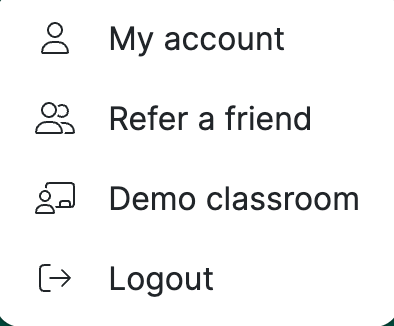
2. Go to the Payment section and enter your new card details over the old ones.
3. Save. We delete your old card and keep the new one.
How to change on the app
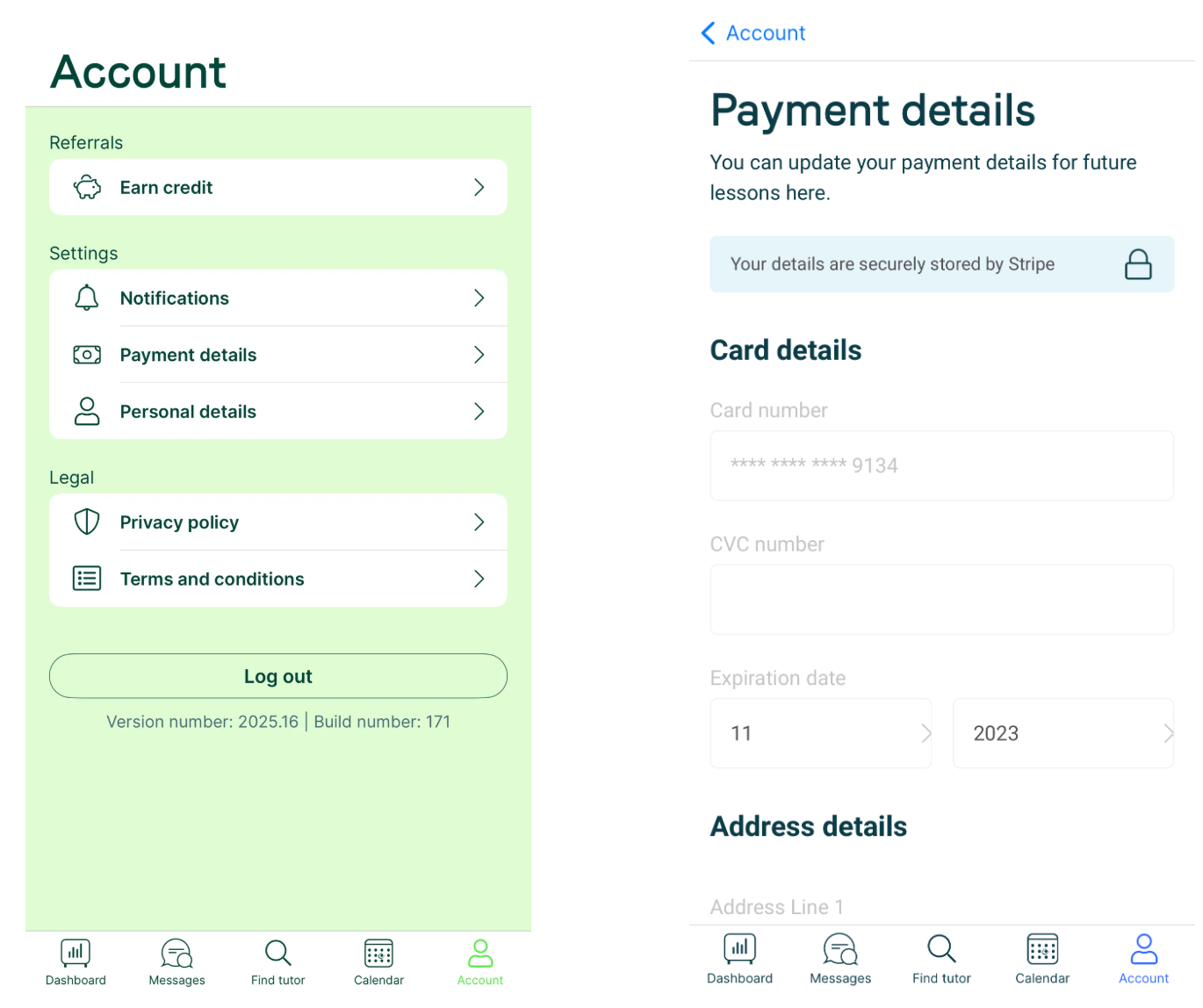
- Click Account in the bottom right.
- Click Payment details and update your card.
Things to know
- You may be asked to authenticate the new card with a code from your bank; this varies by bank.
- Entering new details automatically retries any outstanding payments, and all future payments come from the new card.
Was this article helpful?
That’s Great!
Thank you for your feedback
Sorry! We couldn't be helpful
Thank you for your feedback
Feedback sent
We appreciate your effort and will try to fix the article