You can download payment summaries for completed lessons.
How to download a summary
- Go to your completed lessons on the Lessons tab.
- Click Lesson details next to the lesson you need.
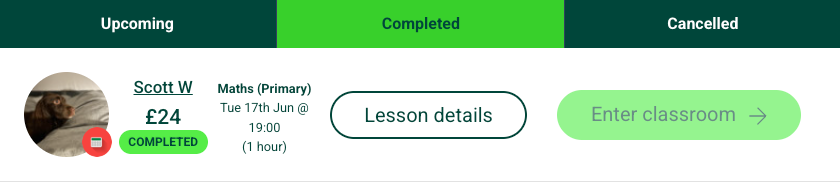
3. On the lesson details page, choose either:
- Tutorful invoice (covers our service fee), or
- Tutor payment summary (covers the tutor payment).
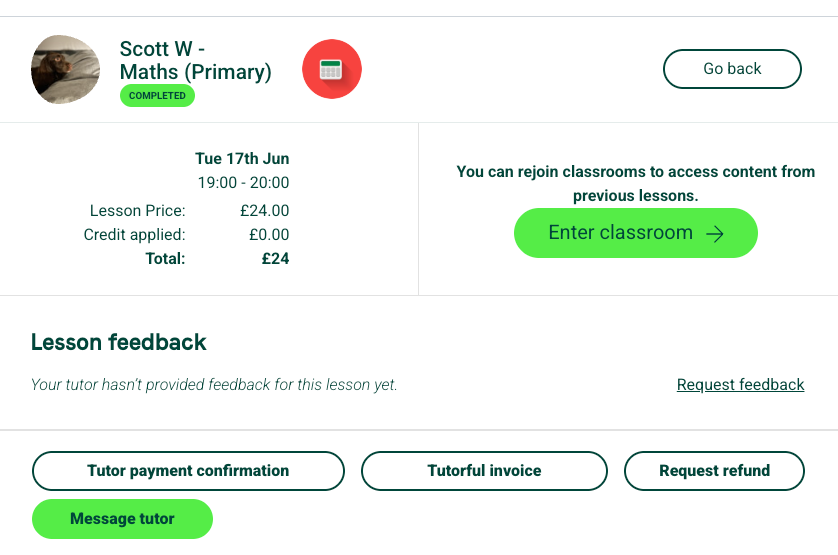
4. Click the option to download it as a PDF.
Was this article helpful?
That’s Great!
Thank you for your feedback
Sorry! We couldn't be helpful
Thank you for your feedback
Feedback sent
We appreciate your effort and will try to fix the article