Safari asks you to allow Lessonspace access to your camera and microphone each time you sign in or refresh the page. If you need to re-enable access on your MacBook or iMac, follow these steps.
How to re-enable your camera and microphone in Safari
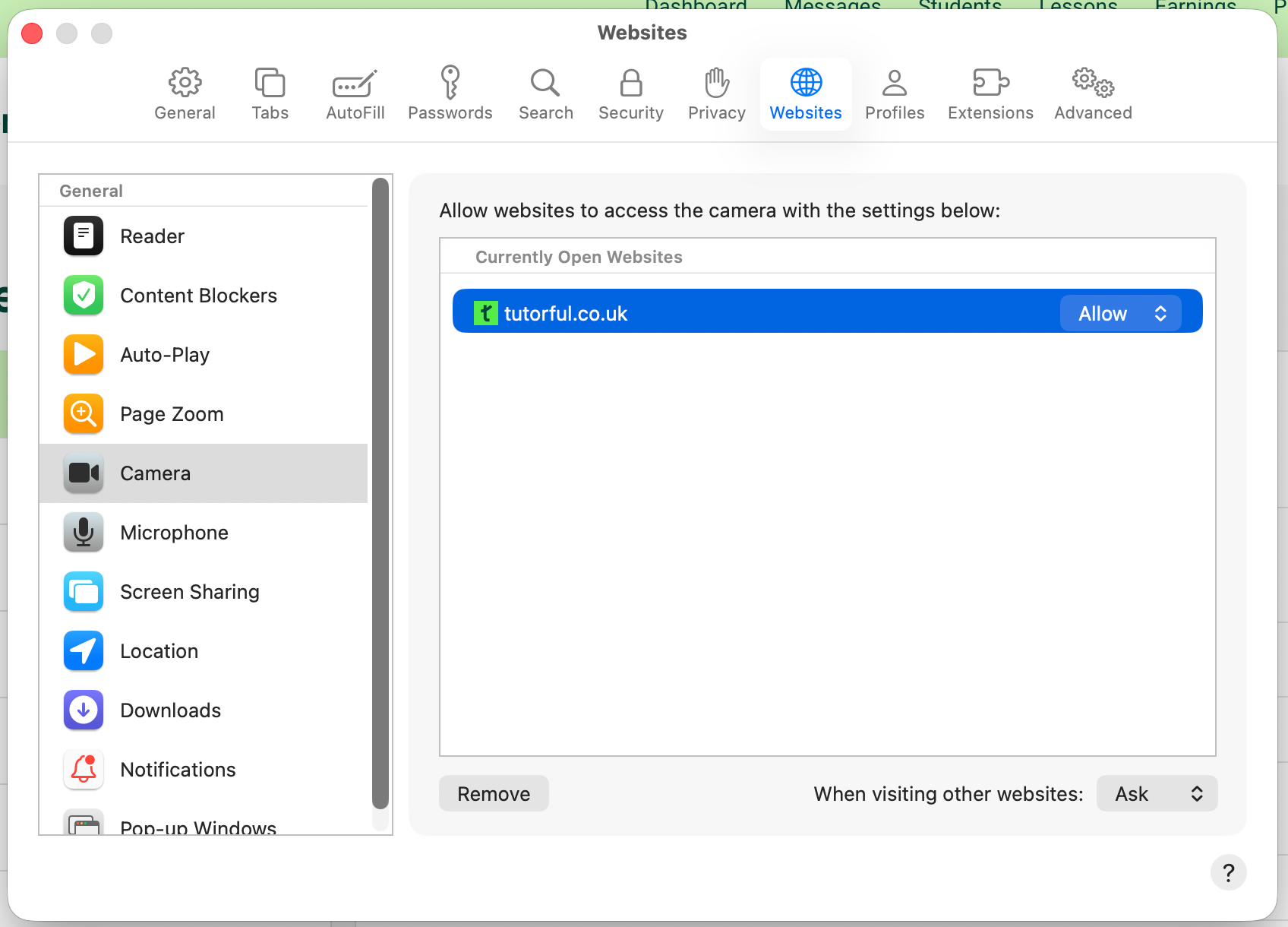
- Open Safari Preferences.
- Go to Websites.
- Open the Camera and Microphone tabs and allow access for Lessonspace.
- Restart Safari.
Was this article helpful?
That’s Great!
Thank you for your feedback
Sorry! We couldn't be helpful
Thank you for your feedback
Feedback sent
We appreciate your effort and will try to fix the article