There are two main ways to find students on Tutorful: through your tutor profile, and through the Job Board.
Through your tutor profile
Once your profile is live, students can find it when they search for a tutor in your subjects. They can then message you or send a lesson request.
You’ll get an email notification, plus a push notification if you use our app, as soon as a student contacts you. Follow the link in the message to reply and organise lessons.
Through the Job Board
If you have space for more students, check the Job Board for opportunities in your subjects. Go to the Jobs tab while logged in, or view and apply to jobs from the dashboard in our app.
Each job listing shows what the student is looking for, the student’s name, the number of applicants, and the earnings you’ll receive. If the earnings look too low, you can still apply and discuss a price you’re both happy with.
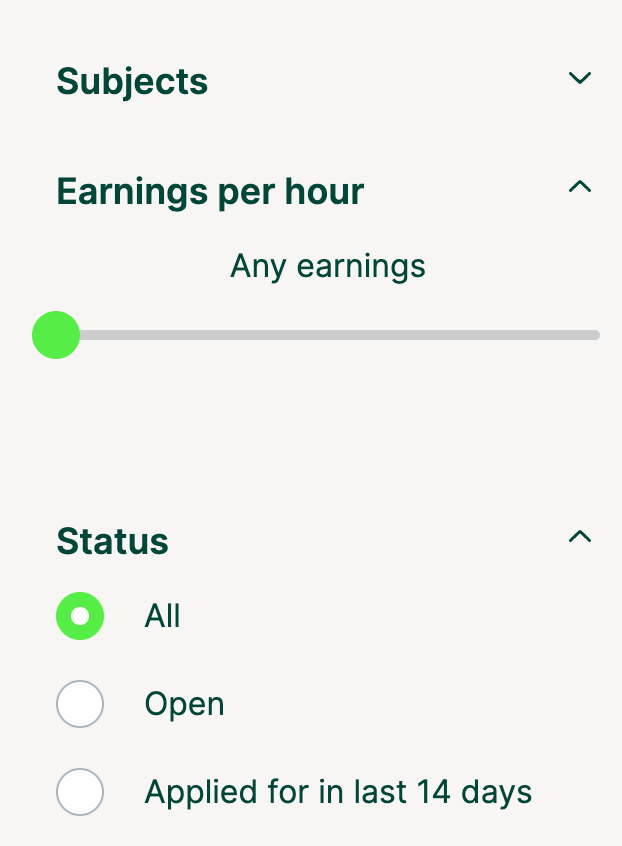
Use the filters on the left to find suitable jobs. Jobs can be snapped up quickly, so check regularly. To apply, click View job and message the student.
Give students plenty of information to help them decide: how, when, and why you can help.

What to do next
For more on improving your visibility in search results, see the search-results article in this category.