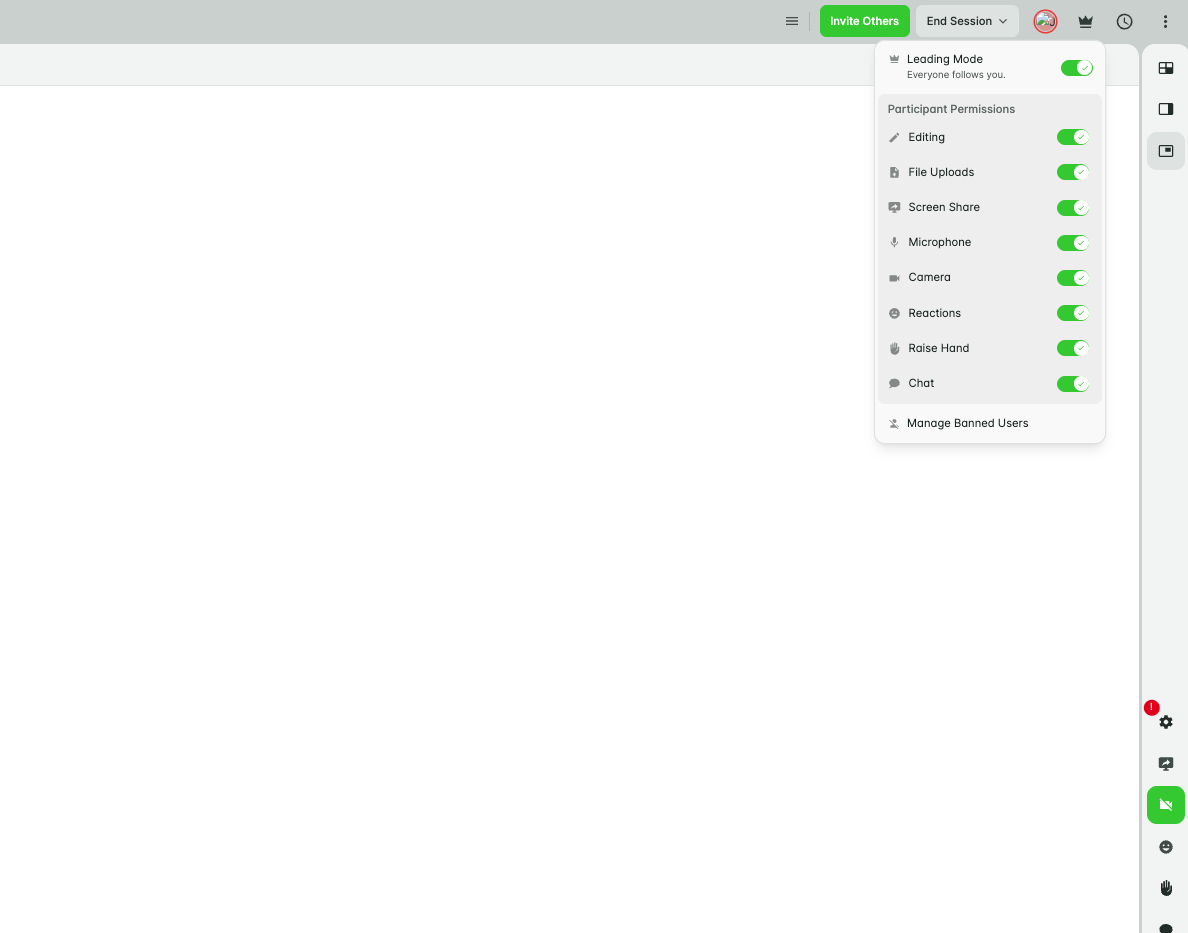
By default, you are the leader in the online classroom, so whatever you’re looking at, your student sees too. This is controlled by Leading Mode.
Turning Leading Mode on or off
- Click the crown icon in the top right corner of the classroom.
- To let your student explore other areas of the classroom independently, untick the Leading Mode option.
- To bring their attention back and sync them to your view, click Leading Mode again.
What to do next
For more detail on Leading Mode, see “Mastering Leading Mode”.
Was this article helpful?
That’s Great!
Thank you for your feedback
Sorry! We couldn't be helpful
Thank you for your feedback
Feedback sent
We appreciate your effort and will try to fix the article