
You can reschedule a lesson at any time prior to a lesson starting, though you should give your student as much notice as possible. If you're looking to cancel a lesson, please see our guide here. To reschedule a session, log in to your Tutorful account and go to your "Lessons" tab.

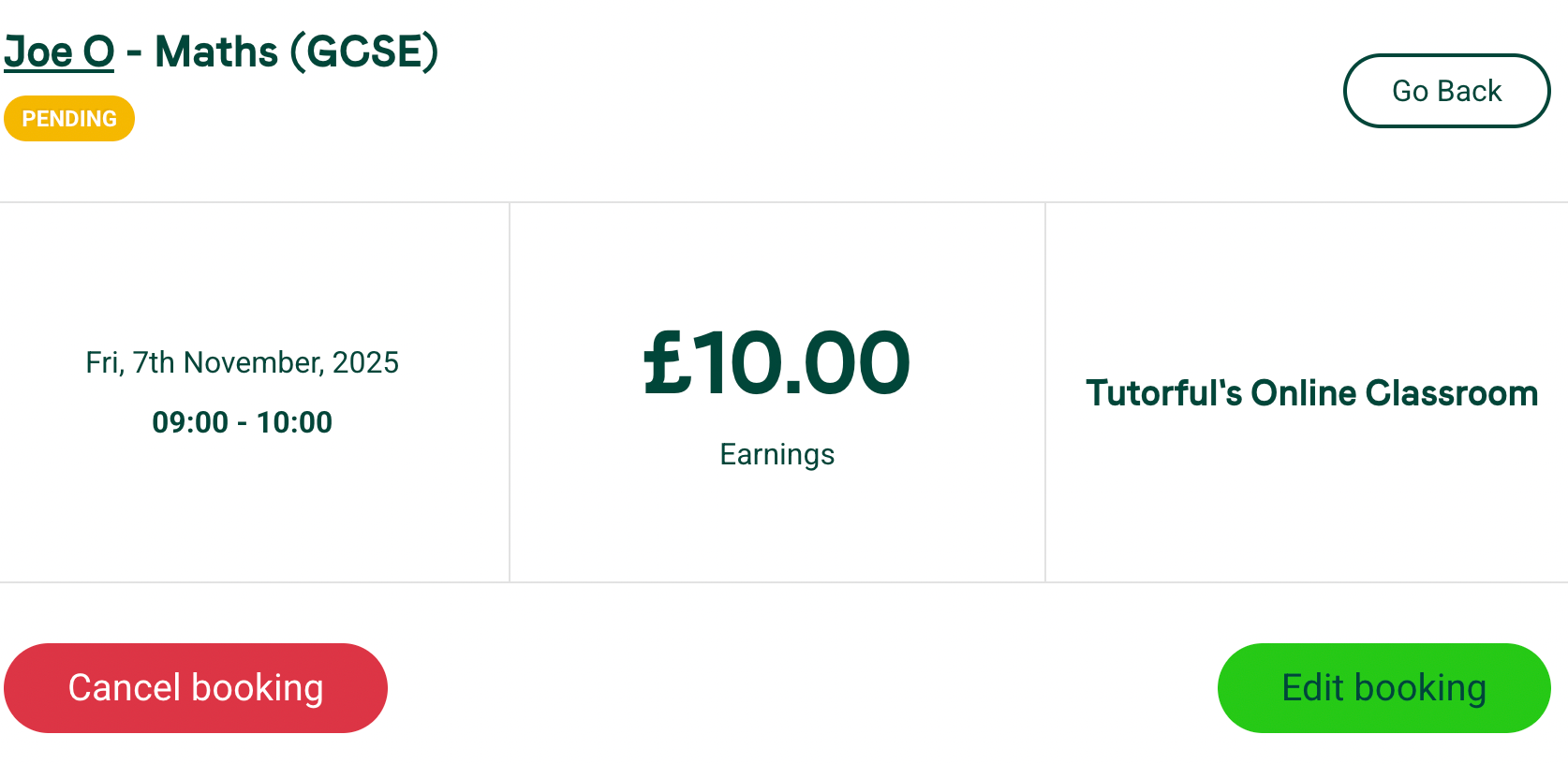
Click on the 'lesson details' button next to the lesson in question and then click on 'Edit booking':
You'll then be taken to the booking amendment form, where you'll be able to reschedule as required. You'll also have the option to apply these changes to all future weekly bookings in the series, you can do this by selecting the box shown in the screenshot below:
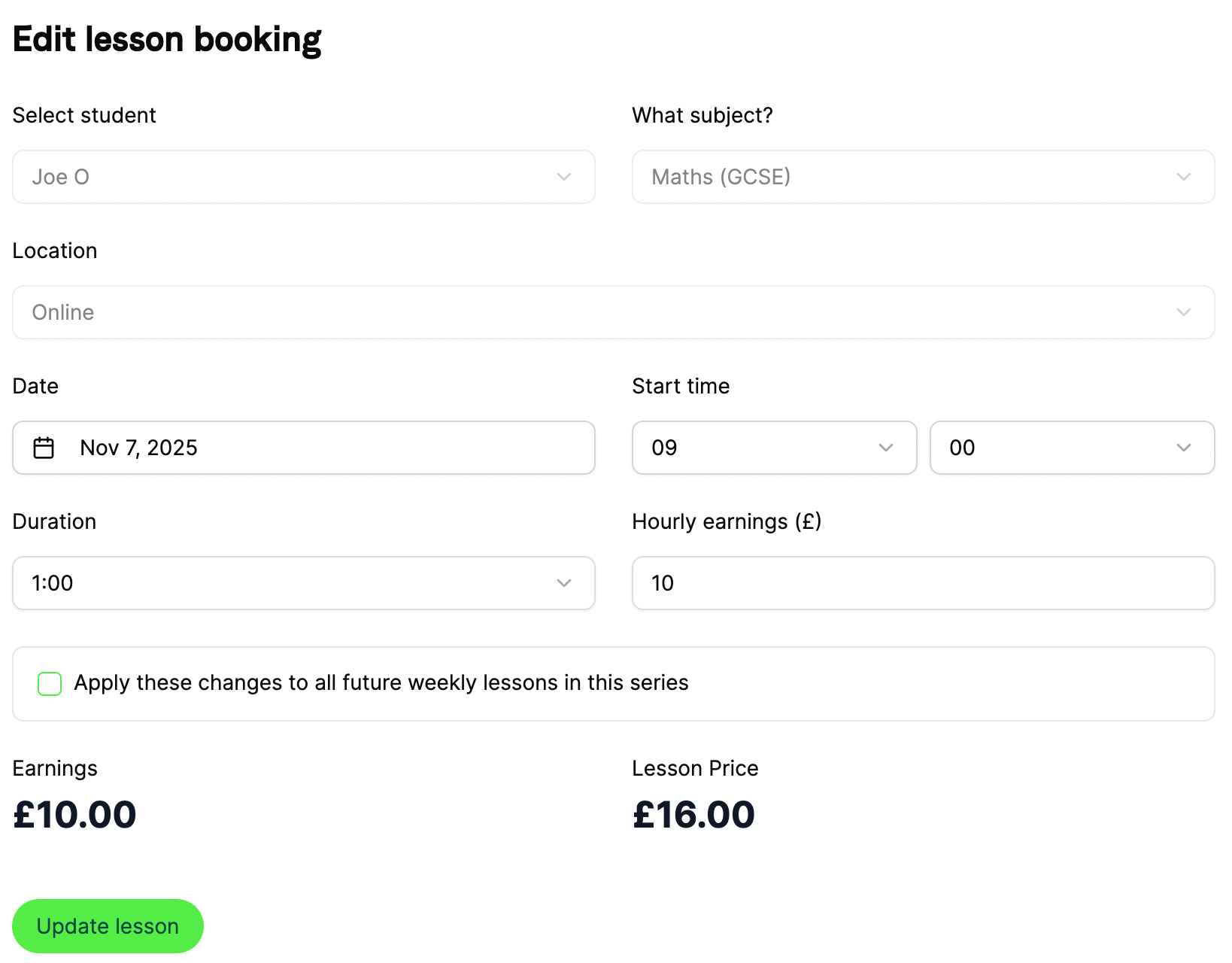
When you've made the amendments, finish by selecting 'Update lesson'. Your booking has now been amended!
You're now also able to amend your bookings directly from the calendar! Please see our guide here for more information.